 Supervisor with "NSX + DTGW/VNA"
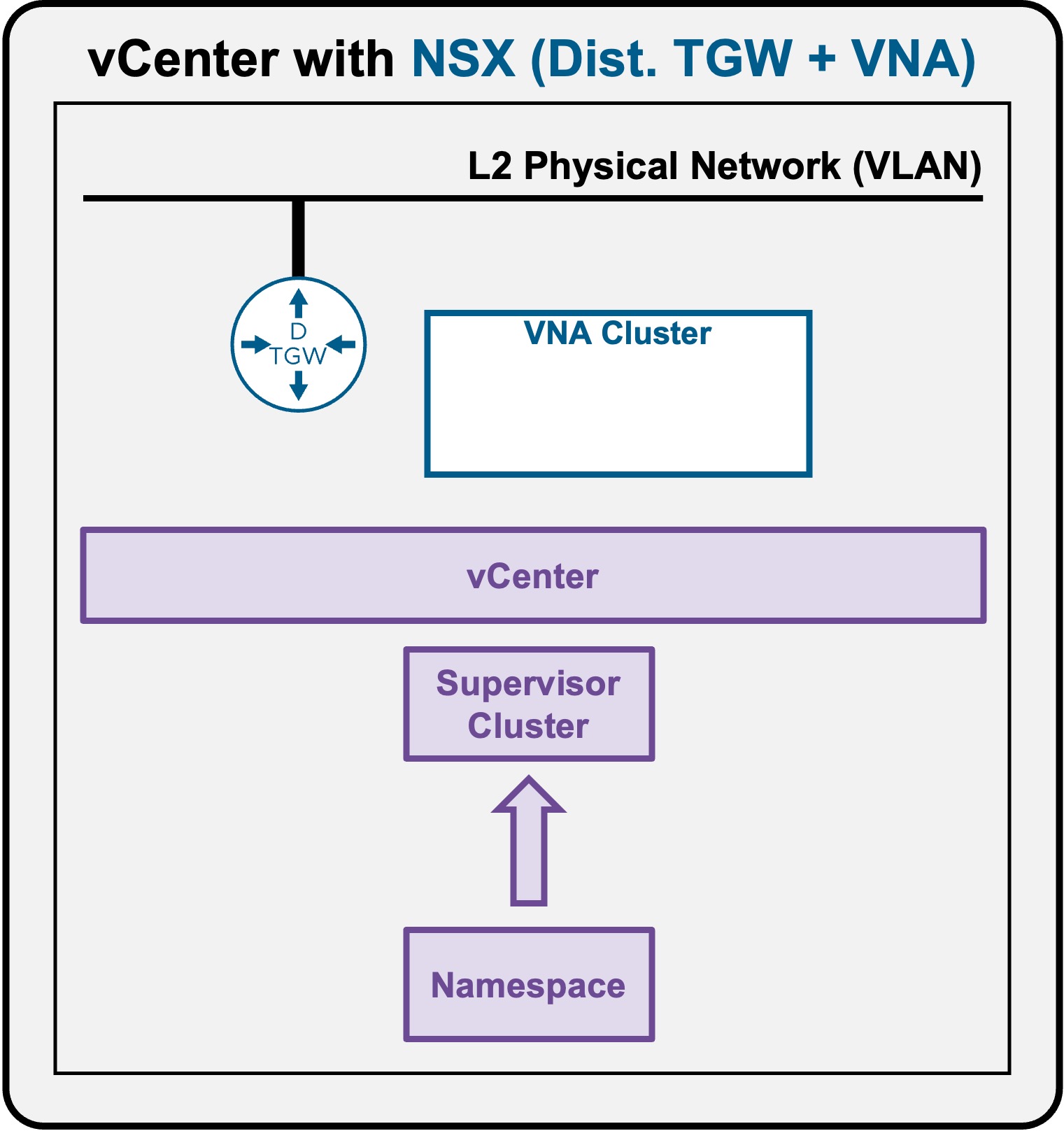
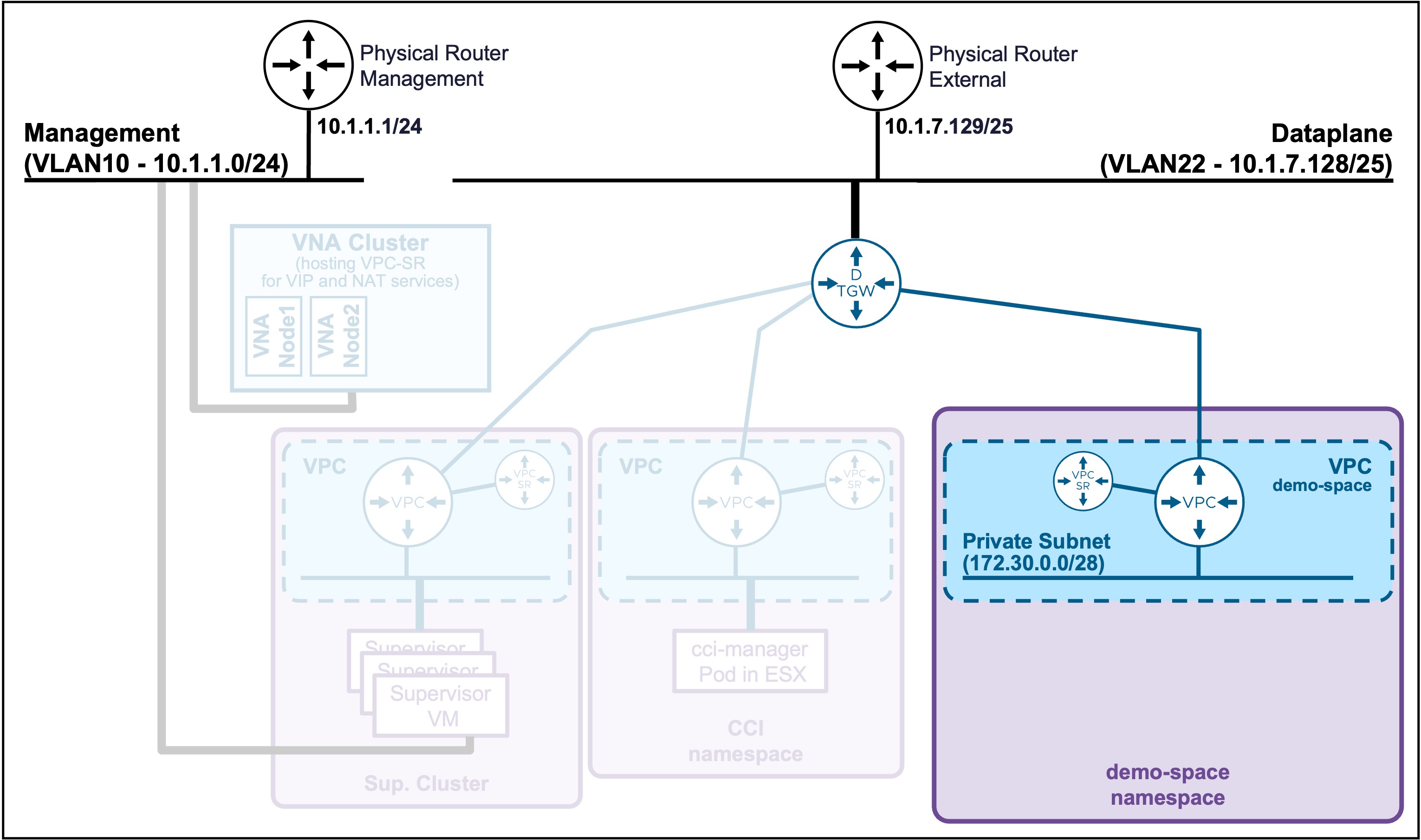
This section describes the procedures for deploying a Supervisor Namespace utilizing an "NSX + DTGW/VNA" architecture inside a vSphere environment.
- Namespace
Namespace Access
Client Operating System
While the command outputs below are captured from a Windows client, the vcf and kubectl CLI tools operate identically across Linux and macOS environments.
Connect to Namespace
Connect to the Supervisor
Connect to the Supervisor Namespace
-
List the Supervisor Namespaces
vcf context listOutput example
PS C:\Users\Administrator\Documents> vcf context list
NAME                             CURRENT  TYPE
supervisor-mgt                   true     kubernetes
supervisor-mgt:demo-space        false    kubernetes
supervisor-mgt:svc-cci-ns-whl2t  false    kubernetes
supervisor-mgt:svc-tkg-f0cpi     false    kubernetes
supervisor-mgt:svc-velero-t234z  false    kubernetes
If the namespace has been created recently (after the Supervisor connection), it may not be listed.
In that case, refresh the context list:PS C:\Users\Administrator\Documents> vcf config set env.VCF_CLI_CONTEXT_REFRESH_EXPIRY_CHECK_SKIP true PS C:\Users\Administrator\Documents> vcf context refresh -
Connect to the Supervisor Namespace
vcf context use supervisor-mgt:demo-spaceOutput example
PS C:\Users\Administrator\Documents> vcf context use supervisor-mgt:demo-space
[ok] Token is still active. Skipped the token refresh for context "supervisor-mgt:demo-space"
[i] Successfully activated context 'supervisor-mgt:demo-space' (Type: kubernetes)
[i] Fetching recommended plugins for active context 'supervisor-mgt:demo-space'...
[i] Installing the following plugins recommended by context 'supervisor-mgt:demo-space':
  NAME                INSTALLING
  addon               v3.6.1
  cluster             v3.6.1
  kubernetes-release  v3.6.1
  namespaces          v9.1.0
  package             v3.6.1
  registry-secret     v3.6.1
  vm                  v9.1.0
[i] Installed plugin 'addon:v3.6.1'
[i] Installed plugin 'cluster:v3.6.1'
[i] Installed plugin 'kubernetes-release:v3.6.1'
[i] Installed plugin 'package:v3.6.1'
[i] Installed plugin 'registry-secret:v3.6.1'
Validate Namespace Access
Validate the current Supervisor Namespace Connection
vcf context list
Output example
PS C:\Users\Administrator\Documents> vcf context list
  NAME                             CURRENT  TYPE
  supervisor-mgt                   false    kubernetes
  supervisor-mgt:demo-space        true     kubernetes
  supervisor-mgt:svc-cci-ns-whl2t  false    kubernetes
  supervisor-mgt:svc-tkg-f0cpi     false    kubernetes
  supervisor-mgt:svc-velero-t234z  false    kubernetes

[i] Use '--wide' to view additional columns.
Validate the access to the Supervisor Namespace context
To test the connection, you can check the worker nodes on that Supervisor Namespace (these are the ESX hosts).
kubectl get nodes
Output example
PS C:\Users\Administrator\Documents> kubectl get nodes
NAME                               STATUS   ROLES                  AGE   VERSION
421f48f14806296b0758c9ac24c29cf1   Ready    control-plane,master   2d    v1.32.9+vmware.2-fips
esx-01a.site-a.vcf.lab             Ready    agent                  2d    v1.32.5-sph-f4e887d
esx-02a.site-a.vcf.lab             Ready    agent                  2d    v1.32.5-sph-f4e887d
esx-03a.site-a.vcf.lab             Ready    agent                  2d    v1.32.5-sph-f4e887d
esx-04a.site-a.vcf.lab             Ready    agent                  2d    v1.32.5-sph-f4e887d