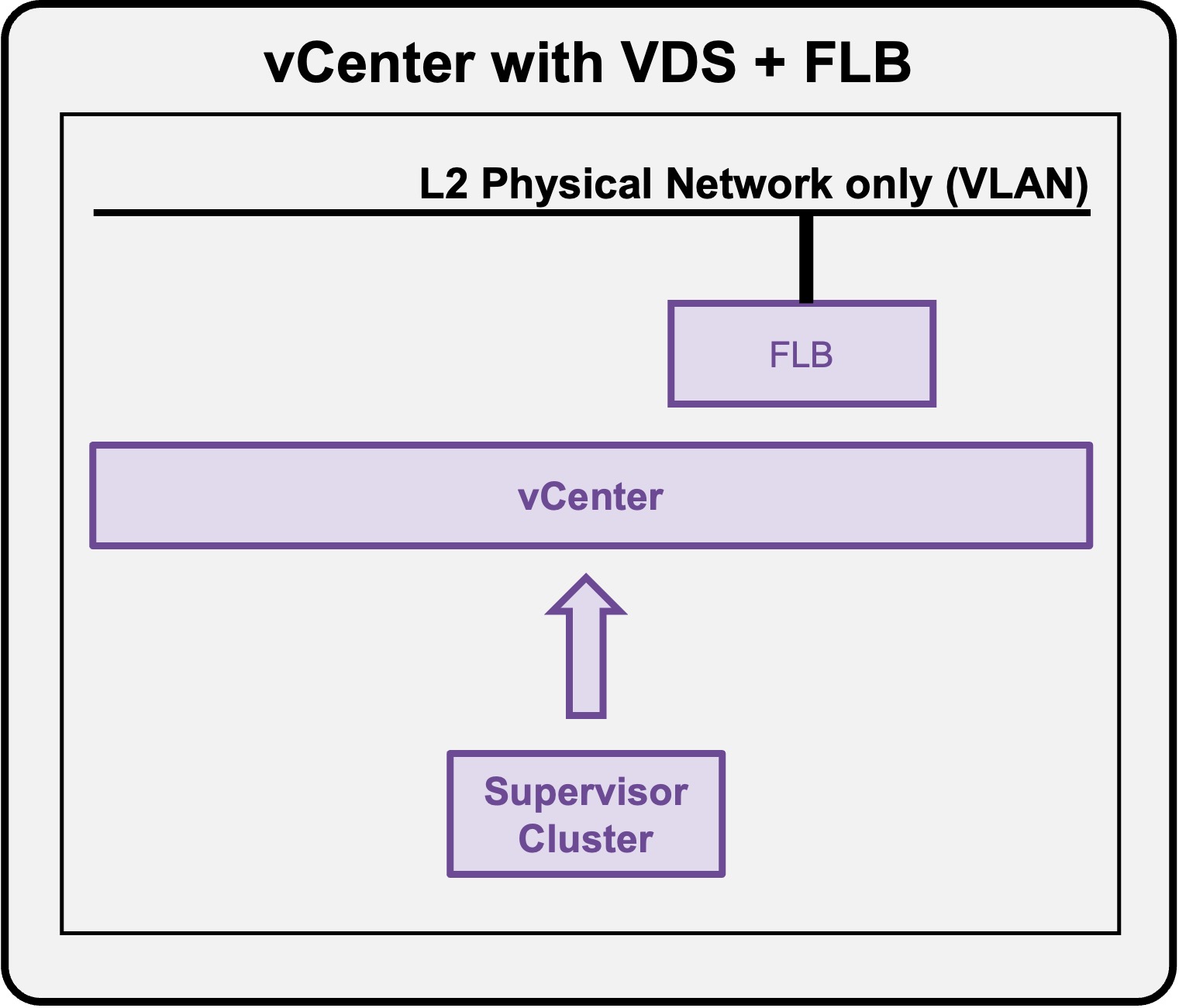
 Supervisor with "VDS + FLB"
This section describes the requirements for deploying the Supervisor utilizing a "VDS + FLB" architecture inside a vSphere environment.
Requirements
Supervisor with "VDS + FLB" has the following networking requirements:
Physical Fabric
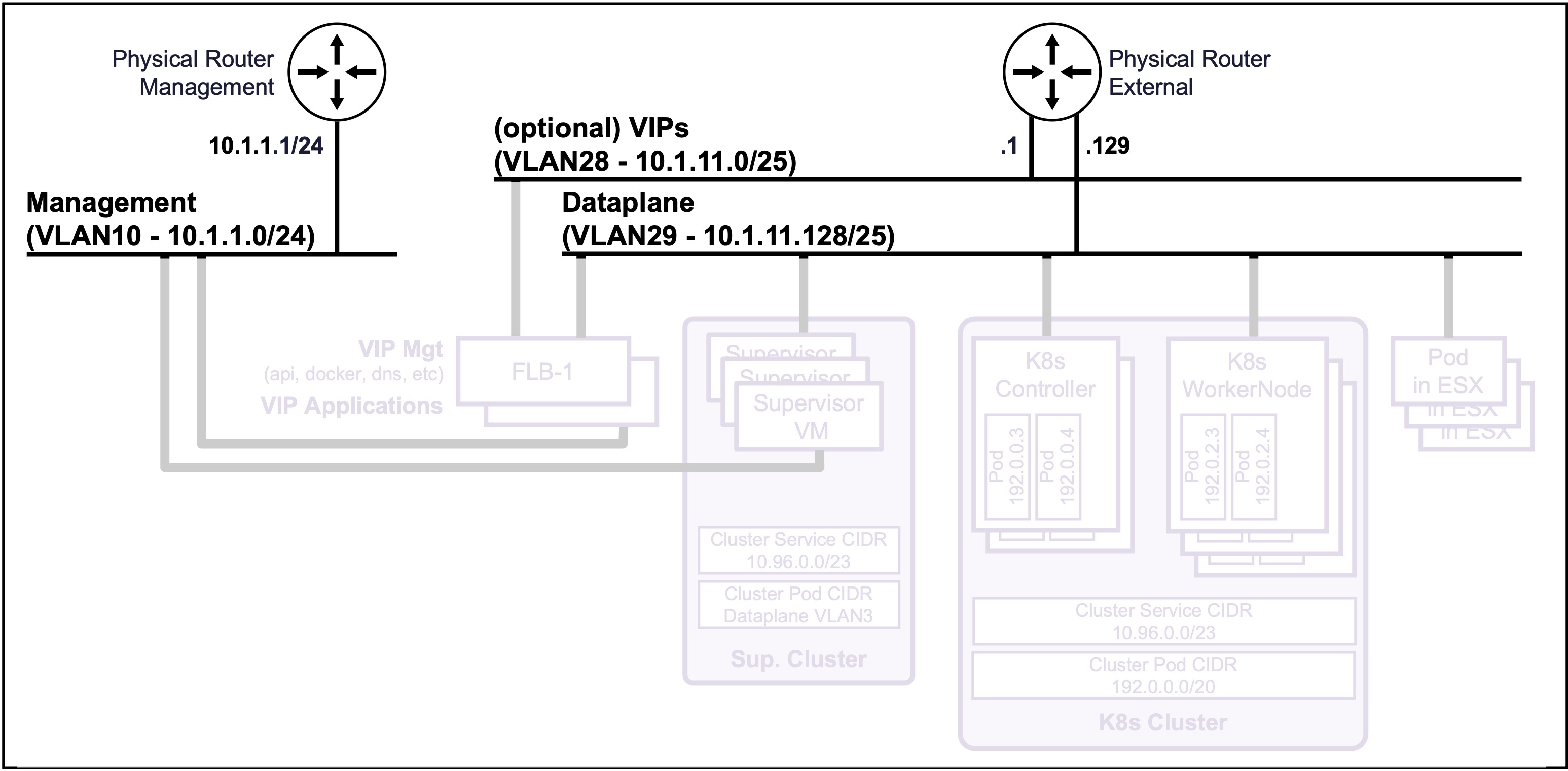
2 or 3 Subnets/VLANs
- Management:
Can be an existing Management subnet/VLAN that already hosts other components (such as vCenter).
Requires 7 consecutive IPs (5 for the Supervisor Cluster + 2 for the FLB VMs). - Dataplane:
Can be an existing subnet/VLAN that already hosts other components (such as Physical Servers).
A large pool of IPs is required (for future K8s Controller nodes, Worker nodes, and VIPs). - (Optional) VIPs:
Can be an existing subnet/VLAN that already hosts other components.
A large pool of IPs is required for future K8s VIPs.
Note: No requirement for dynamic routing (such as BGP).
vCenter
VDS Port Groups
-
Management:
VDS Port Group VLAN for the Management traffic.Status Validation
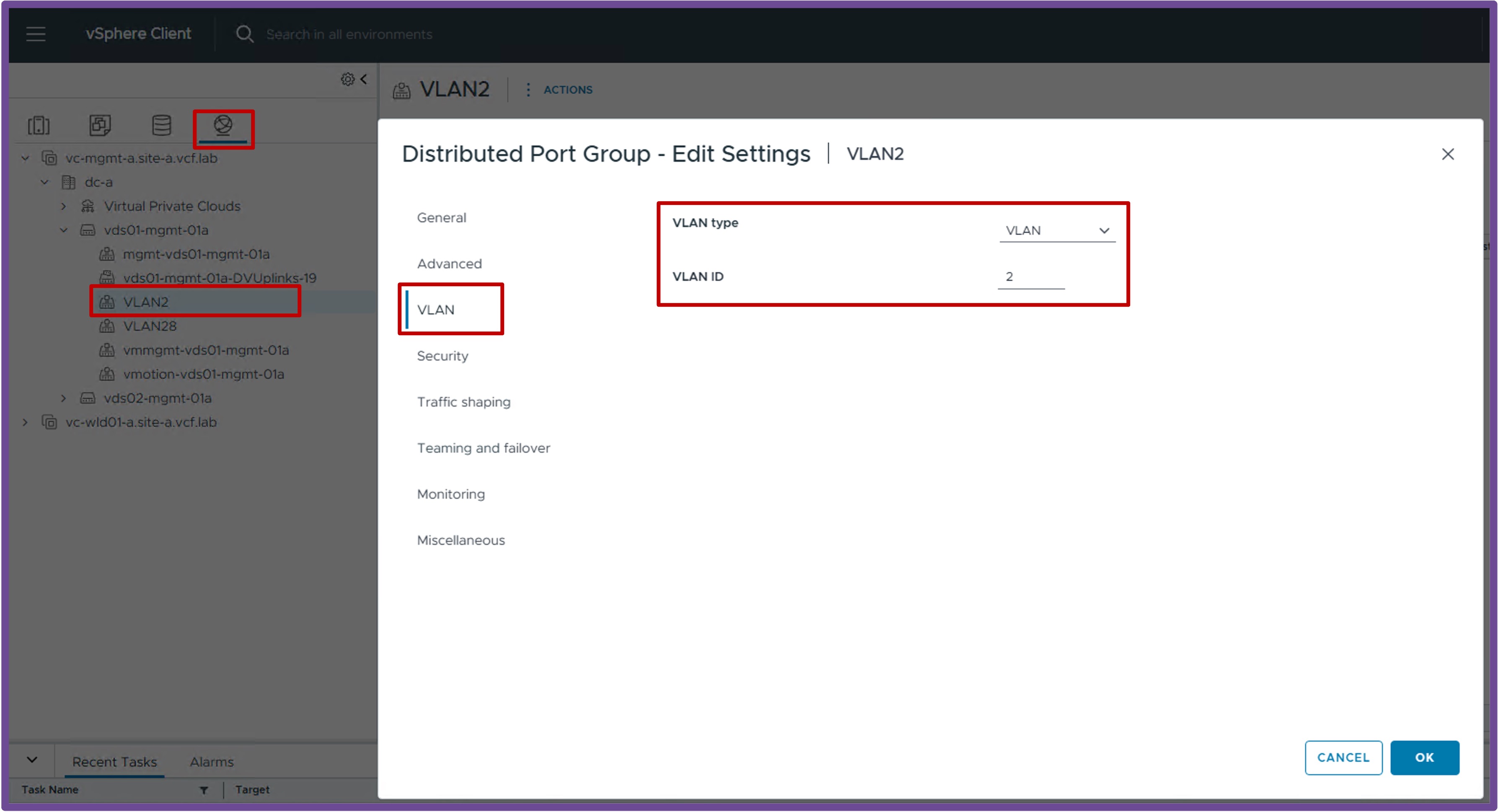
Navigate to vCenter > Networking > VDS-PortGroup > Edit Settings > VLAN.
Ensure the VLAN Type is "VLAN" with the right "VLAN ID":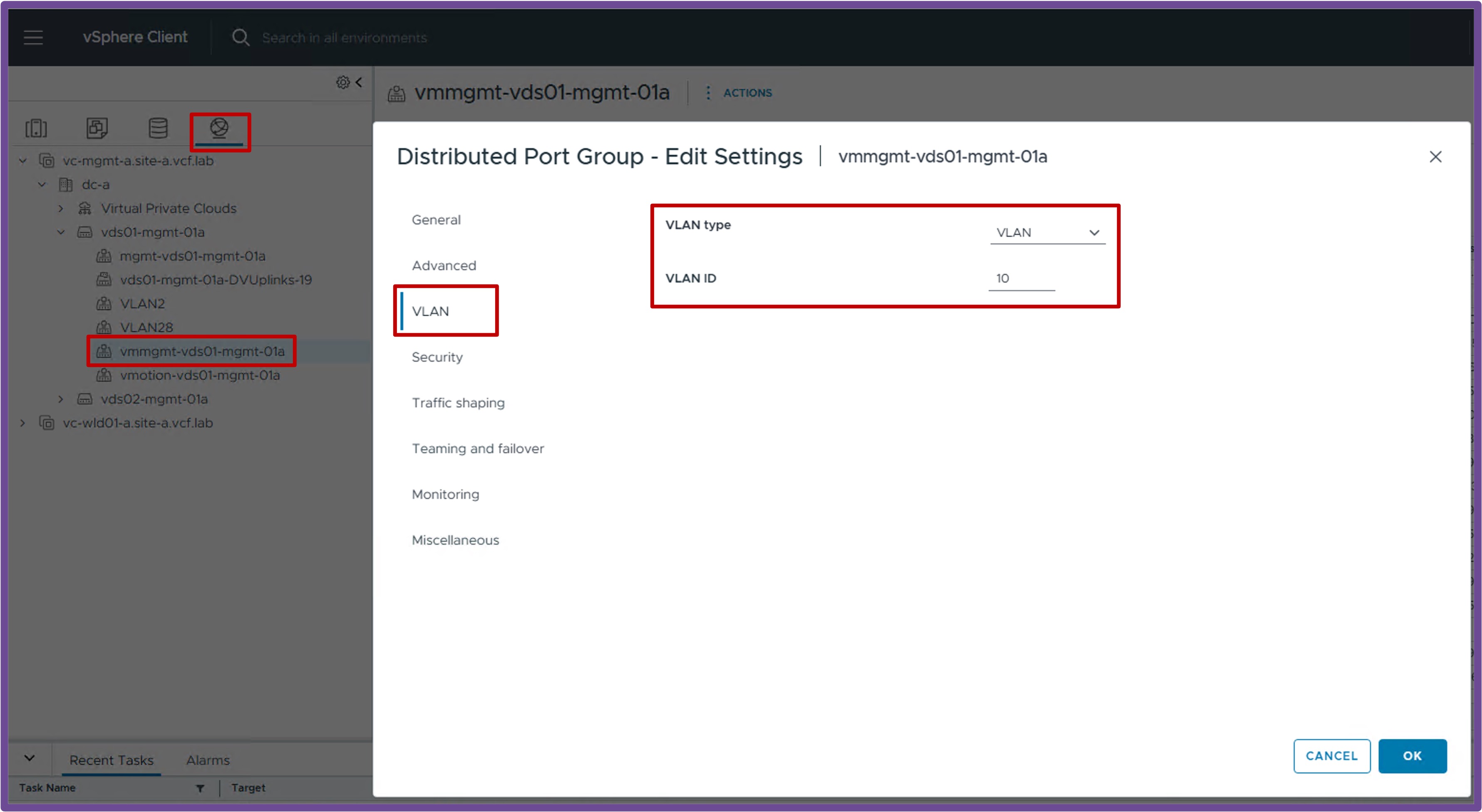
-
Dataplane:
VDS Port Group VLAN for the K8s Dataplane traffic.Status Validation
Navigate to vCenter > Networking > VDS-PortGroup > Edit Settings > VLAN.
Ensure the VLAN Type is "VLAN" with the right "VLAN ID":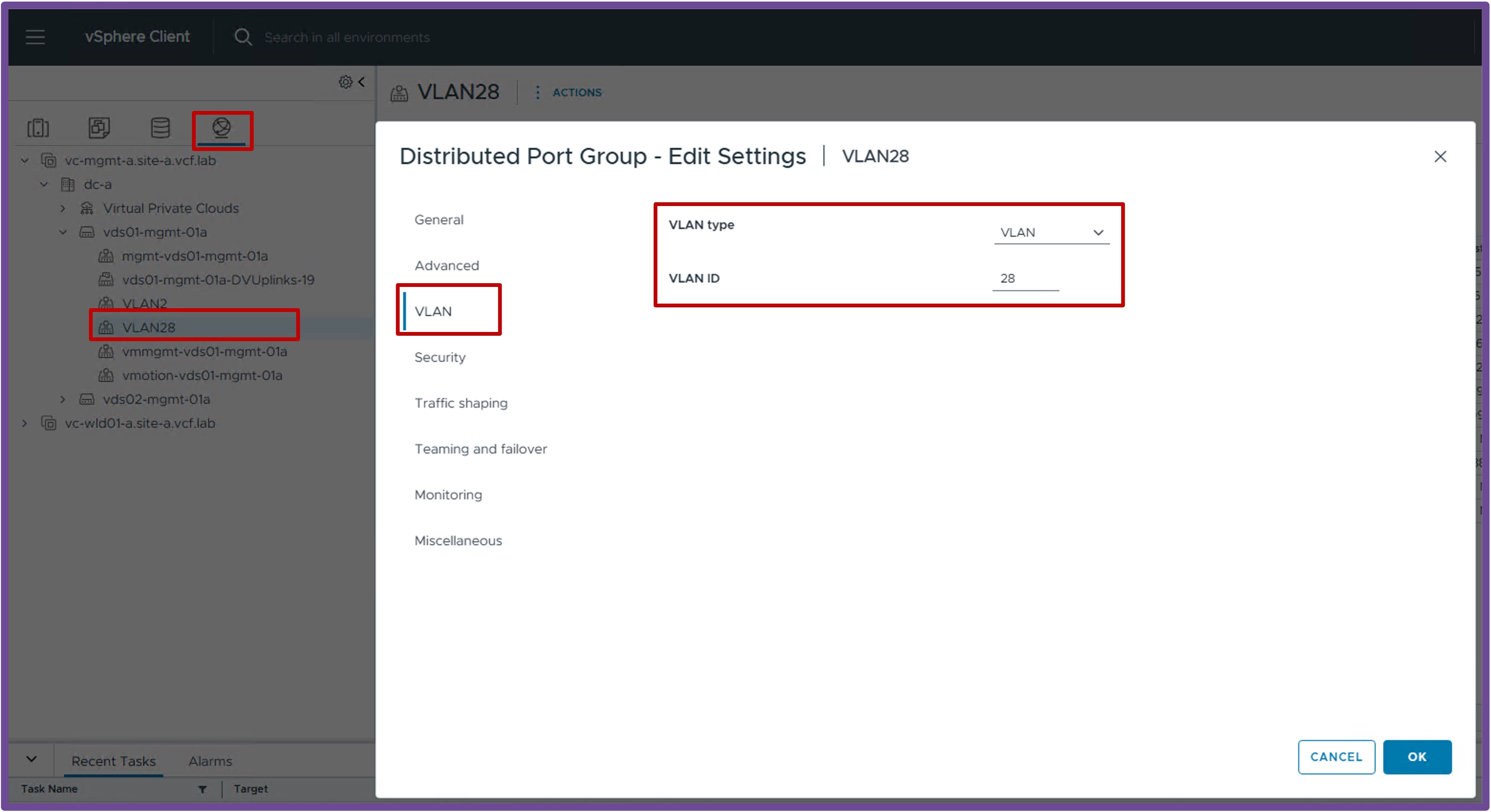
-
(Optional) VIPs:
VDS Port Group VLAN for the K8s VIPs traffic.Status Validation
Navigate to vCenter > Networking > VDS-PortGroup > Edit Settings > VLAN.
Ensure the VLAN Type is "VLAN" with the right "VLAN ID":